Every focus app has the same quiet problem. The off switch lives right next to the app itself, and the moment you hit a wall or get bored, your thumb finds it before your brain even decides. You didn’t choose to quit. Your hand just moved. That’s not a willpower failure; it’s a design failure, and no software update is ever going to fix it.
That’s the core argument behind MIRA Dial, a physical focus device currently live on Indiegogo from MIRA Labs, a two-person team based in Estonia. The idea is simple and a little brutal: turn a physical dial to start a session, and every screen you own locks simultaneously. No menu to cancel it. No “Ignore Limit” button. The session runs until it’s done.
It sounds almost too simple. But after spending time with the concept and the thinking behind it, I think that simplicity is exactly the point. The problem was never that people lacked a good app. It was that any app solving distraction lives on the same device as the distraction itself.
What MIRA Dial Actually Does
One Turn Locks Every Screen at Once
Most blockers only cover one device. Lock your phone and the distraction migrates to your laptop. Block your laptop and you pick up the phone. MIRA Dial connects to all your devices simultaneously, so one physical turn starts a session across all of them at the same time. There’s no second screen waiting as an escape hatch.
No Soft Exit, No Bypass
Screen Time has an “Ignore Limit” button. Freedom switches off in safe mode. Cold Turkey is a few clicks to disable. Every blocker hands you an easy escape. MIRA Dial doesn’t. There’s no button, no toggle, no way to just disable it and get back to scrolling. Once a session starts, you’re in it. That friction is the whole product.
Physical Commitment, Not Digital Permission
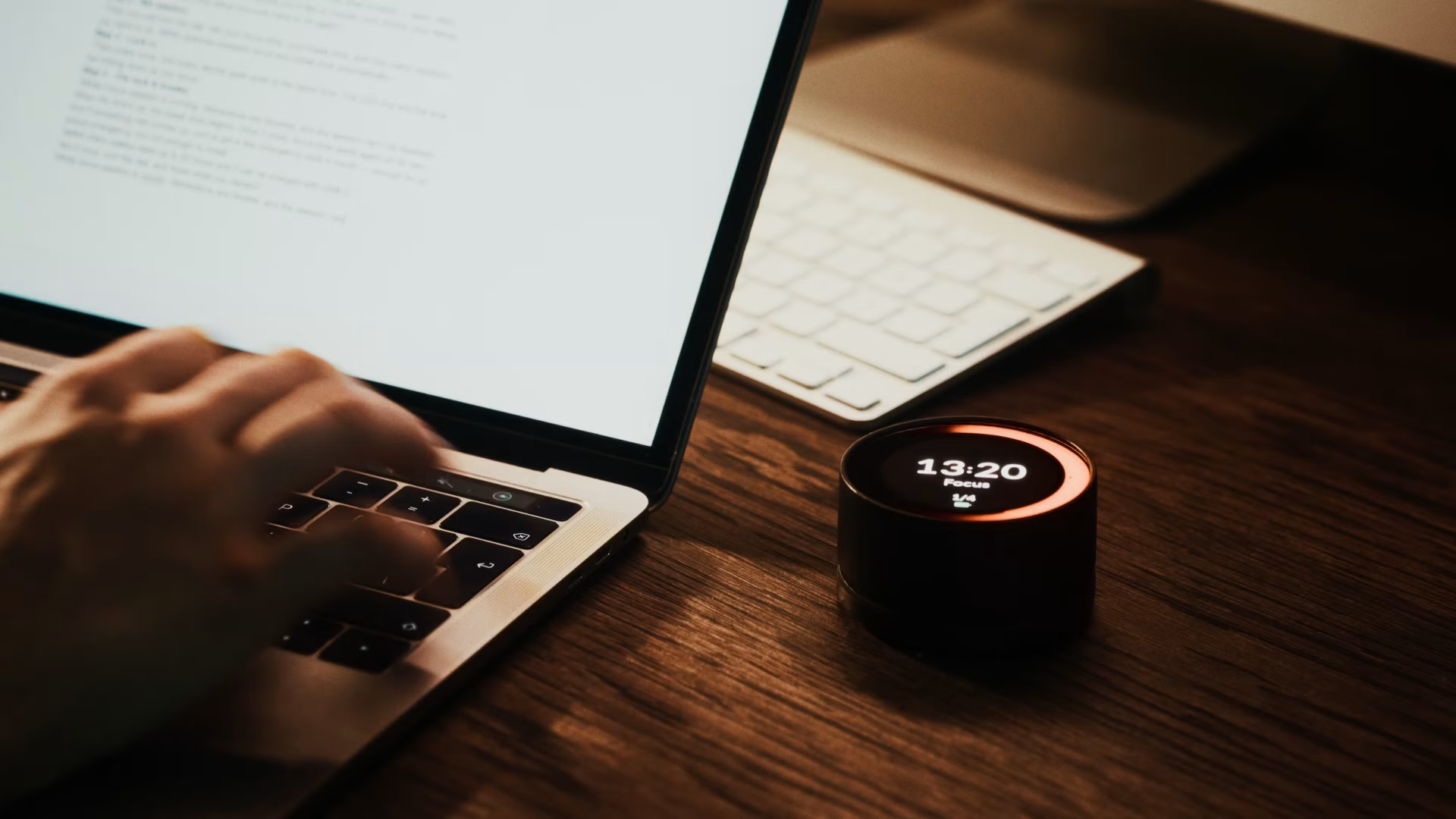
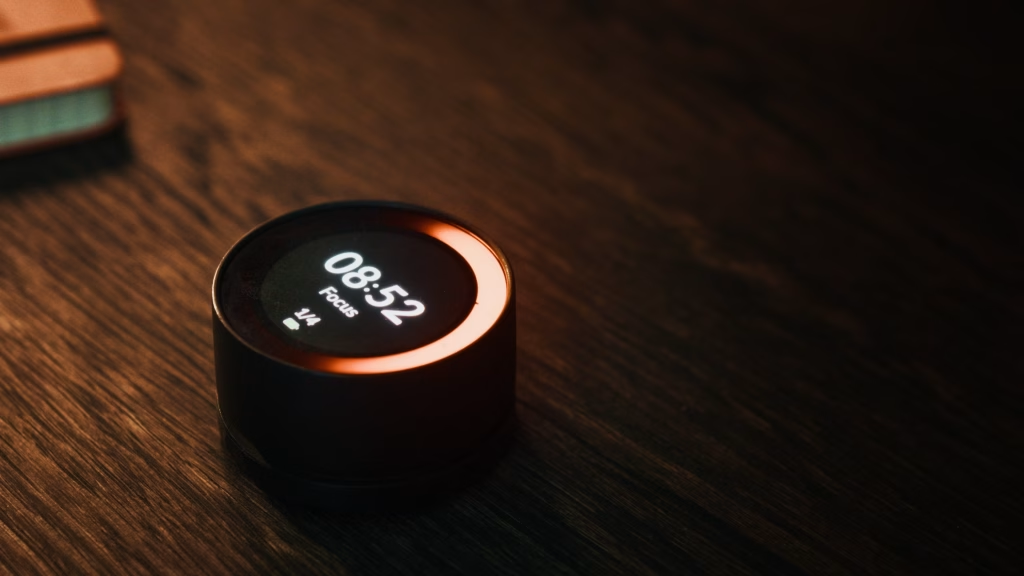
There’s something psychologically different about a physical action. Turning a dial to start work creates a real, tangible moment of commitment. It’s not a tap on a glass screen. The device sits on your desk with a visible timer display and a glowing ring showing session progress, so you always know where you are without reaching for a phone.
Built for Multi-Screen Workers
Writers, designers, developers, anyone working across a laptop and a phone at the same time will recognize the particular frustration of blocking one screen only to use the other. MIRA Dial was designed from the start with that specific failure mode in mind. Both screens, one turn, no exceptions.
Bruno at 2 PM: A Real-World Test of the No-Bypass Promise
Bruno is a UX designer and one of MIRA Dial’s beta testers, working from a home office in Estonia. His problem isn’t mornings. He can usually get through email and planning without much trouble. It’s the 2 PM slot that kills him. Deadline pressure builds, the work gets harder, and his hand reaches for his phone almost automatically.
At 2:15 PM on a Tuesday, he sat down to finish a 1,500-word UX brief due by 5 PM. He turned the MIRA Dial to start a 90-minute session. Both his MacBook and his iPhone locked into focus mode at the same time. Twenty minutes in, he hit a section he wasn’t sure how to approach and instinctively picked up his phone. It was locked. He put it down and worked through the problem on paper instead.
By 3:45 PM the session ended. The brief was done. He’d written the whole thing in one sitting, something he said hadn’t happened in months. The outcome wasn’t magic. The dial simply made quitting inconvenient enough that he didn’t. That’s the whole mechanism, and in Bruno’s case it worked exactly as described.
How a Session Works From Start to Finish
Step 1: Set Up Your Devices
You connect MIRA Dial to your phone and laptop using the companion app during initial setup. This is a one-time process. The dial communicates wirelessly, and once paired, it remembers your devices.
Step 2: Turn the Dial
Choose your session length by turning the dial to the right position, then press to confirm. The display shows the timer. The ring lights up. Everything locks at once.
Step 3: Work Until the Session Ends
That’s genuinely it. There’s no app to check, no notification to dismiss, no setting to adjust mid-session. The dial counts down. When time is up, your devices unlock automatically and the ring fades.
Who Should Back This Right Now
MIRA Dial is currently crowdfunding on Indiegogo, and the campaign is still live with 26 days remaining. It’s built for people who have already tried every app-based solution and found the exit anyway. Freelancers billing by the hour, remote workers without office structure, students who need to actually finish assignments before a deadline; these are the obvious candidates.
If you’re even slightly curious, the right time to look is now, while the campaign is active. You can find the full details and back the project at the MIRA Dial Indiegogo page, or read more about the product at miradial.com.