Most AI meeting tools are glorified recorders. They sit quietly, wait for the call to end, and then hand you a summary you skim once and forget. The actual decisions made during the meeting, the unverified stats someone cited, the edge cases nobody thought to raise, those all slip through untouched. That is the gap that Convolyze is trying to close.
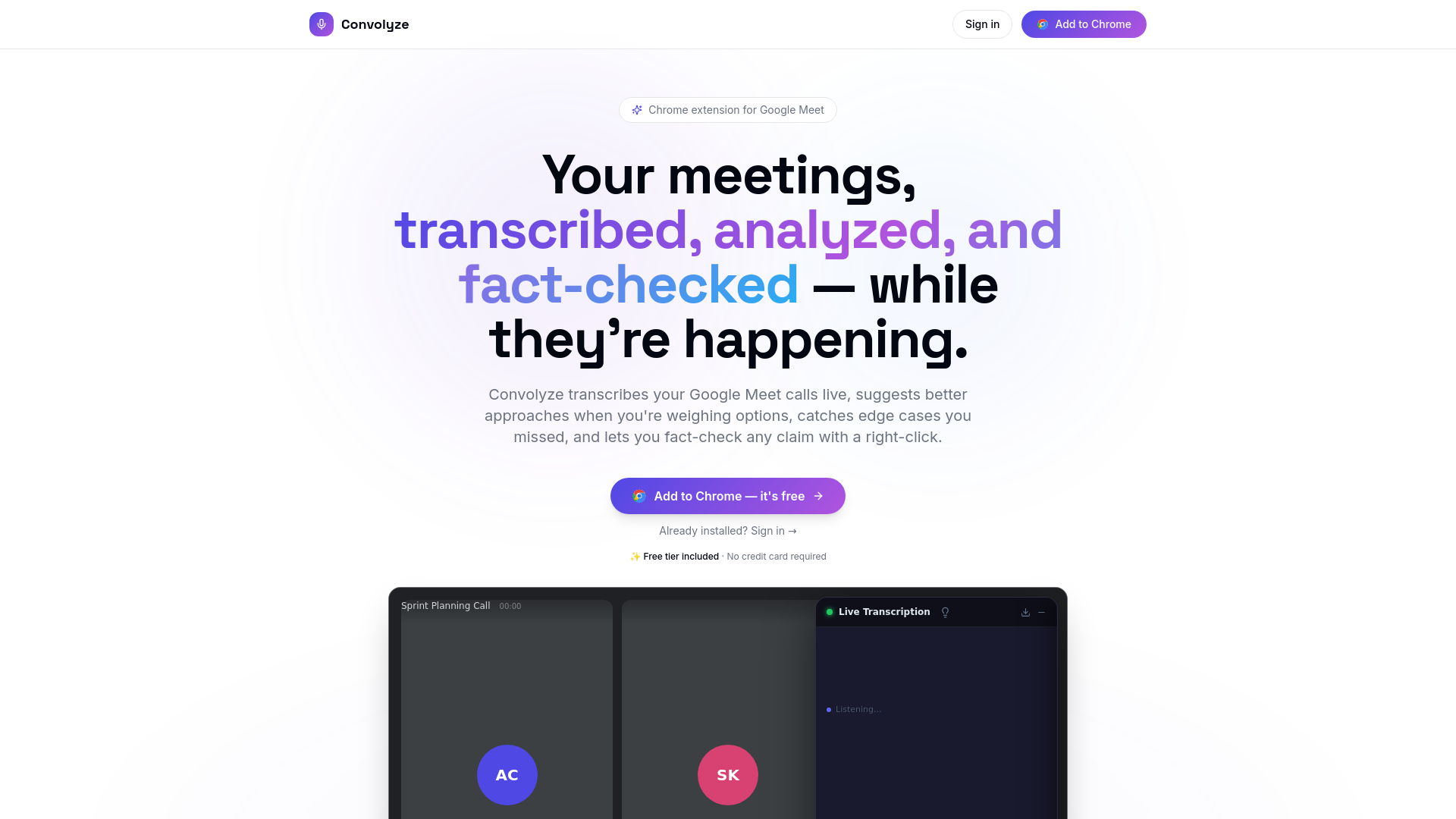
Convolyze is a free Chrome extension for Google Meet. It transcribes your calls live, surfaces AI insights as the conversation unfolds, and lets you fact-check any claim with a right-click. No bot dials into your meeting. No third-party recorder joins as a participant. It all runs inside your browser tab, invisibly, while you focus on the conversation.
The idea sounds simple. The execution is what makes it worth paying attention to. Real-time intelligence during a meeting is a very different problem from post-meeting summarization, and Convolyze is one of the few tools actually building for the former.
What Convolyze Actually Does During Your Calls
Live Transcription, Speaker by Speaker
The moment your Google Meet call starts, Convolyze begins transcribing. Every speaker gets attributed, every line gets timestamped, and the whole thing scrolls in a side panel inside your tab. You are not waiting until after the meeting to read what was said. You can follow along in real time, catch anything you missed, and reference earlier parts of the conversation without asking someone to repeat themselves.
Fact-Checking and Smart Lookup
This is the feature that genuinely surprised me. If someone on your call drops a statistic or makes a factual claim, you can highlight it in the transcript and right-click on the spot. Convolyze automatically figures out what to do with it. If it looks like a factual claim or a statistic, it verifies it and comes back with a confidence score and corrections if needed. If it is a name, an acronym, or a technical term, it explains what it means right there in the panel, without you switching tabs or interrupting the conversation. Both actions are available on the free plan. On Plus, automatic fact-checking runs in the background the whole time. When Convolyze detects a disputed or unverified claim, a notification floats up and the relevant text gets highlighted for you. You do not have to select anything.
Real-Time AI Insights
Convolyze does not just listen passively. When it detects a decision point or a gap in the reasoning, it flags it. Weighing two technical approaches? It can surface a concrete comparison with tradeoffs before your team commits. Running a job interview? It suggests follow-up questions based on vague answers. Stuck between options? It offers a decision framework built around the specific factors your conversation has already raised. It jumps in only when the context warrants it.
No Bot, No Awkward Introductions
A lot of AI note-takers join your call as a visible participant. That changes the dynamic, especially in sensitive conversations. Convolyze runs entirely within your Chrome tab, so nobody else on the call sees it. There is nothing to introduce, nothing to explain, and no awkward “the AI is recording” moment to navigate.
Meeting Tags and Collective Analysis
On the Plus plan, Convolyze lets you tag and categorize your meetings. Hiring round, sales pipeline, client review, strategy session. Once meetings are tagged, you can run analysis across the whole group. Upload your hiring criteria and see which candidate across six interviews best fits it. Pull recurring objections out of a full month of sales calls. Most meeting tools make you go note by note. Convolyze lets you treat a set of meetings as a single dataset and ask questions about all of them at once.
What It Looks Like When It Actually Helps: Marcus at 2:30 PM
Marcus is a product manager at a mid-sized SaaS company. On a Tuesday afternoon at 2:30 PM, he jumped into a vendor evaluation call with two colleagues and a sales rep pitching a data infrastructure tool. About fifteen minutes in, the rep mentioned that their platform processes over 10 billion events per day with 99.99% uptime, and the team started nodding along.
Marcus had Convolyze running in the background. He highlighted the uptime claim in the live transcript and right-clicked to fact-check it. Within seconds, Convolyze flagged that the figure lacked public verification and surfaced context about how uptime SLAs are typically calculated, including scheduled maintenance windows that are often excluded from the percentage.
He did not call out the rep dramatically. He simply asked a clarifying question: does that uptime figure exclude scheduled maintenance? The rep paused, then confirmed that it did. The team recalibrated their expectations on the spot, revised a key assumption in their evaluation criteria, and avoided committing to a vendor contract based on a metric that sounded better than it was.
That is the kind of outcome that usually only happens if someone does their research before the meeting. Convolyze made it happen inside the meeting, in the moment when it actually mattered.

How Convolyze Works Once You Install It
Step 1: Add the Extension
Install Convolyze from the Chrome Web Store. It is free, and no credit card is required. Once installed, it activates automatically when you open a Google Meet call.
Step 2: Start Your Meeting as Normal
No setup per call, no inviting a bot, no configuration. The transcription panel opens inside your tab and begins capturing the conversation as soon as voices are detected.
Step 3: Use AI Insights and Fact-Check on the Fly
As the meeting progresses, the AI surfaces insights in a side panel when it detects something relevant: a decision being weighed, a claim being made, a gap in the discussion. For fact-checking and lookup, highlight any text in the live transcript and right-click. Convolyze decides whether to verify the claim or explain the term. On Plus, it also watches passively and flags disputed claims automatically without you needing to select anything.
Step 4: Review Notes After the Call
When the meeting ends, you have a full timestamped transcript, a summary, and a record of any AI insights or fact-checks that were triggered during the call. Everything is there when you need to write up action items or brief someone who was not on the call.
Who Should Try Convolyze
If you spend meaningful time in Google Meet calls where decisions get made, evaluations happen, or information gets cited, Convolyze is worth a look. It is especially useful for product managers, engineers in technical discussions, recruiters running interviews, and anyone in vendor or client meetings where unverified claims have a habit of shaping outcomes. For teams doing repeated work like a hiring round or a sales pipeline, Plus lets you tag meetings by category and run collective analysis across them. Compare all candidates against your criteria in one view, or pull patterns out of every client call from the past quarter. It is free to add to Chrome, requires no credit card, and does not change how your meetings look to anyone else on the call. You can try it at convolyze.io and have it running before your next meeting.