Most AI assistants have a dirty little secret. They send your data somewhere. Your voice commands, your documents, your file searches: all of it travels to a server you don’t control, processed by a company whose privacy policy you probably haven’t read. That’s the default state of AI in 2026, and most people have just accepted it.
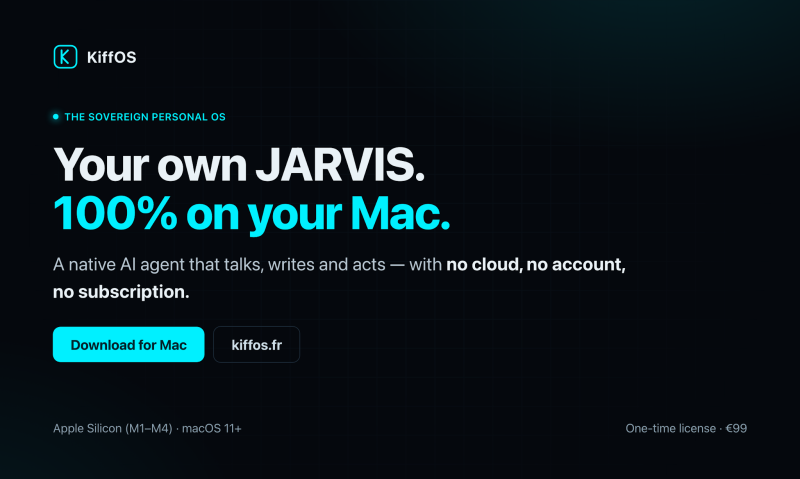
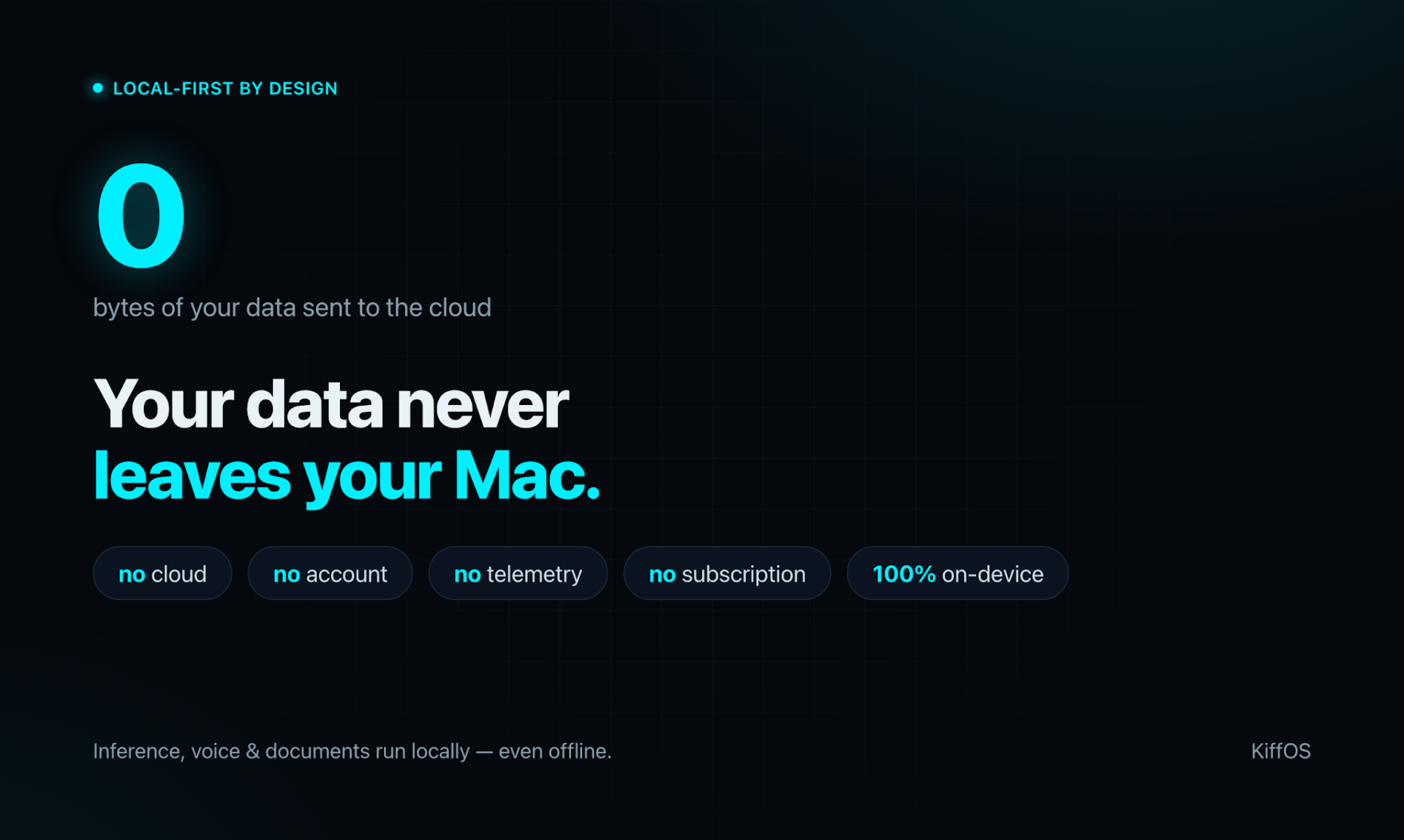
KiffOS takes the opposite position. It’s a native Mac app with a built-in AI agent that runs entirely on your machine. No cloud. No account. No telemetry. Zero bytes leave your computer. Built by a solo French developer named Stéphane, it’s one of the more genuinely privacy-respecting AI tools to land on Product Hunt in recent memory.
What makes it interesting isn’t just the local-first approach. It’s the permission architecture underneath. Every action the agent takes, whether opening an app, reading a file, or touching your network, passes through a Rust-based permission verifier before it executes. Deny by default. Your approval for anything sensitive. That’s a meaningful design choice, not a marketing footnote.
What KiffOS Actually Does
100% Local AI Inference
The AI engine runs on your Mac using Metal GPU acceleration. KiffOS automatically selects a model size (3B, 7B, or 14B parameters) based on your available RAM, so it performs well whether you have 8 GB or 32 GB. Works completely offline. Nothing is sent out during inference, ever.
Voice Commands via Local Whisper
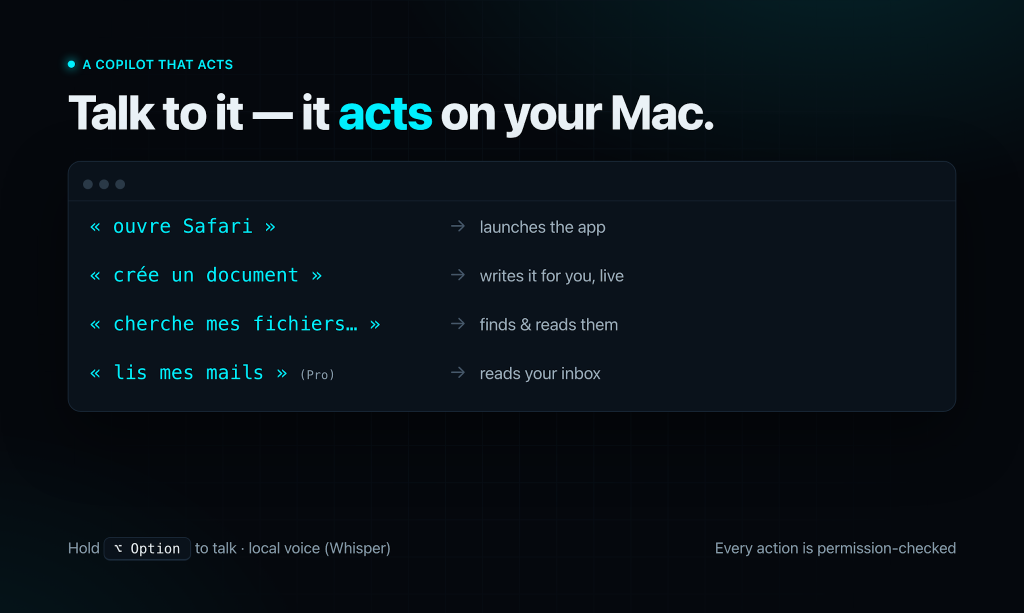
Hold the right Option key, speak, release. KiffOS transcribes your voice using a local Whisper model and executes the request. No audio is uploaded anywhere. The first time you launch, it asks you to read three phrases for voice calibration. Subsequent recognition is noticeably snappier after that step.
Permission-Governed Agent Actions
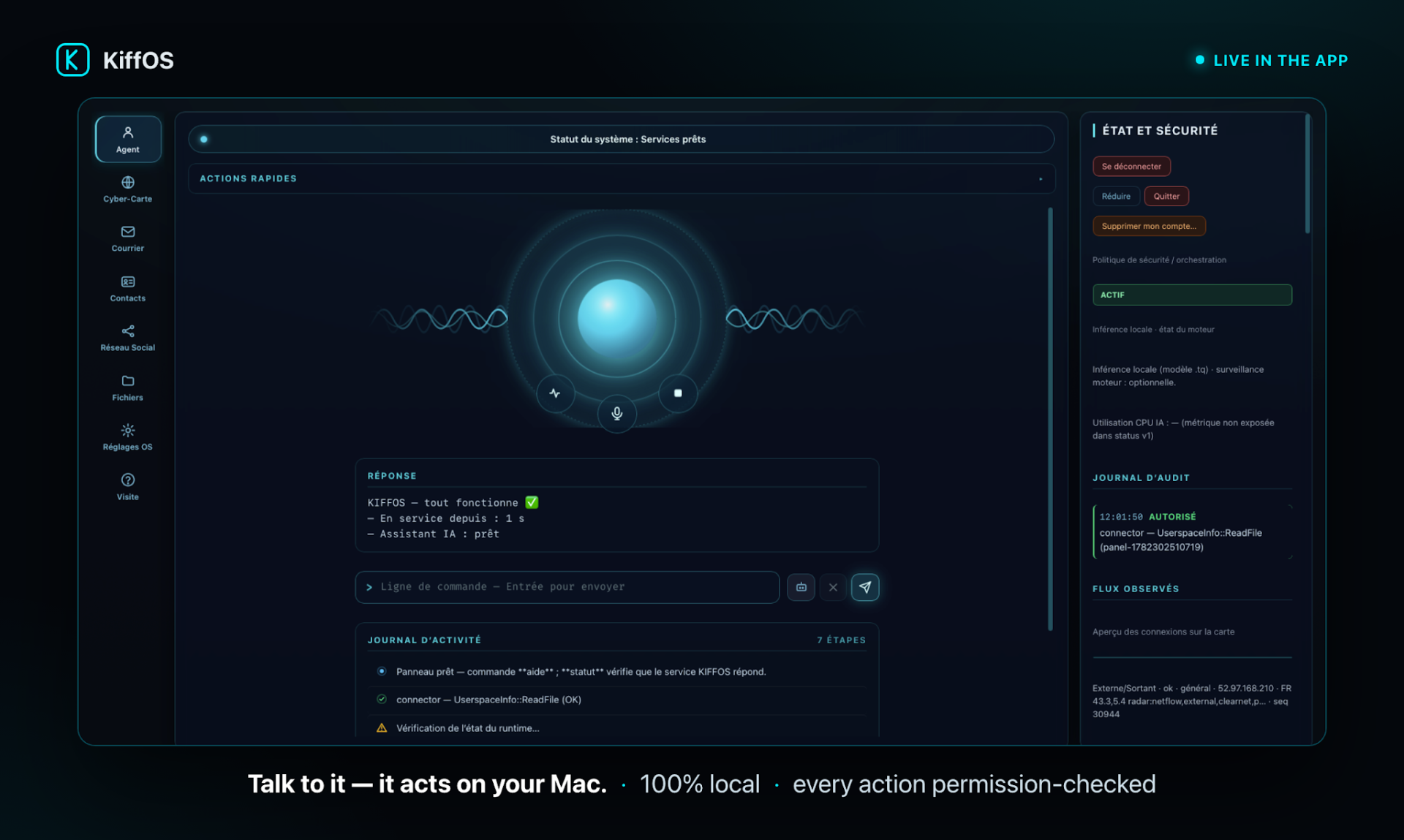
This is the part that sets KiffOS apart from most local AI tools. The agent can open apps, manage files, launch processes, and interact with your system, but only through syscalls that are verified one by one against a policy. Sensitive actions require explicit approval. The audit log in the UI shows you exactly what was authorized and when. You’re never left guessing what the agent did while you weren’t watching.
Document Writing and File Search
Ask it to create a report, a letter, or an article, and it streams the content live with a preview. You can refine it by voice or text, then export to PDF or Markdown directly to your Mac. File search works by intent: ask it to find files about a topic and it surfaces relevant documents from your local storage without indexing them to any external service.
Marcus at 7:15 AM, Writing a Client Brief
Marcus is a freelance consultant based in Lyon. At 7:15 on a Tuesday morning, before his first coffee had finished brewing, he needed to pull together a brief summarizing three months of project notes for a client call at 9:00 AM. His notes were scattered across a dozen PDFs and text files in a folder he’d been loosely maintaining since January.
He opened KiffOS, switched the agent to green mode, and said: “find my files about the Q1 budget review.” Within seconds it surfaced the six most relevant documents. He then said: “create a report, client summary, Q1 project overview.” KiffOS streamed a structured draft pulling context from the files it had just found, all processed locally on his M2 MacBook Air.
He spent about twelve minutes refining the document by voice: “shorten the introduction,” “add a section on deliverables.” At 7:43 AM he said “export” and had a clean PDF on his desktop. He walked into that 9:00 AM call with a polished document, and his client never needed to know it took less than thirty minutes to produce. More to the point, none of those project notes ever left Marcus’s machine.
How KiffOS Works Step by Step
Step 1: Download and Launch
KiffOS is a notarized Mac app, so installation is a standard double-click. It runs natively on Apple Silicon (M1 through M4) with macOS 11 or later. No account creation, no sign-in screen, no onboarding that asks for your email.
Step 2: Choose Your Mode
The command bar at the bottom of the window has two states. Blue means conversation mode: the AI chats, writes, and explains without acting on your system. Switch to green and the agent activates, able to open apps, manage files, and execute tasks, always under policy.
Step 3: Speak or Type
Hold the right Option key to use voice, or type directly into the command bar. The agent interprets natural language intent and executes the corresponding action. Sensitive operations trigger an approval prompt before anything runs.
Step 4: Review the Audit Log
Every action the agent takes is logged in the UI with a timestamp and authorization status. You can see exactly what syscalls were verified and when. It’s a level of transparency that most AI tools, local or otherwise, don’t offer.
KiffOS Pricing: Free to Try, One-Time for Pro
KiffOS uses a two-tier model with no subscription at either level.
- KiffOS Free (€0 forever): Local AI, voice, document creation, file search and app launching, RAM-matched model selection, zero cloud.
- KiffOS Pro (€99 one-time): Everything in Free, plus mail via IMAP/SMTP, web search, social and smart home integrations, API key support for remote models, and advanced threat alerts.
The free tier is genuinely usable, not a stripped demo. You can run the full local AI experience without spending anything. Pro adds the connected features, but only when you choose to turn them on.
Who Should Try KiffOS
If you’ve been uncomfortable with how much data your current AI assistant ships to external servers, KiffOS is worth a serious look. It’s built for Mac users who want an agent that actually acts on their machine, not just answers questions, and who care about knowing exactly what that agent is doing at every step. The free tier makes the barrier to entry low. Head over to kiffos.fr to download it and see how it feels to run AI that stays home.