Most people open ChatGPT, Gemini or Claude with a vague idea and a blank text box. What comes out is usually mediocre. Not because the AI tool is useless, but because the prompt gives it too little to work with. No context, no constraints, no output format, no verification steps. Just a half-formed request and a lot of hope.
That is the gap that Amo.ng is built to close. It’s a free AI prompt library built by RichlyAI, designed for people who actually want to get useful work done with AI tools. No login required. No paywall. Just a searchable, browsable collection of structured, copy-ready AI prompts across categories like coding, business, automation, research, marketing, education, and more.
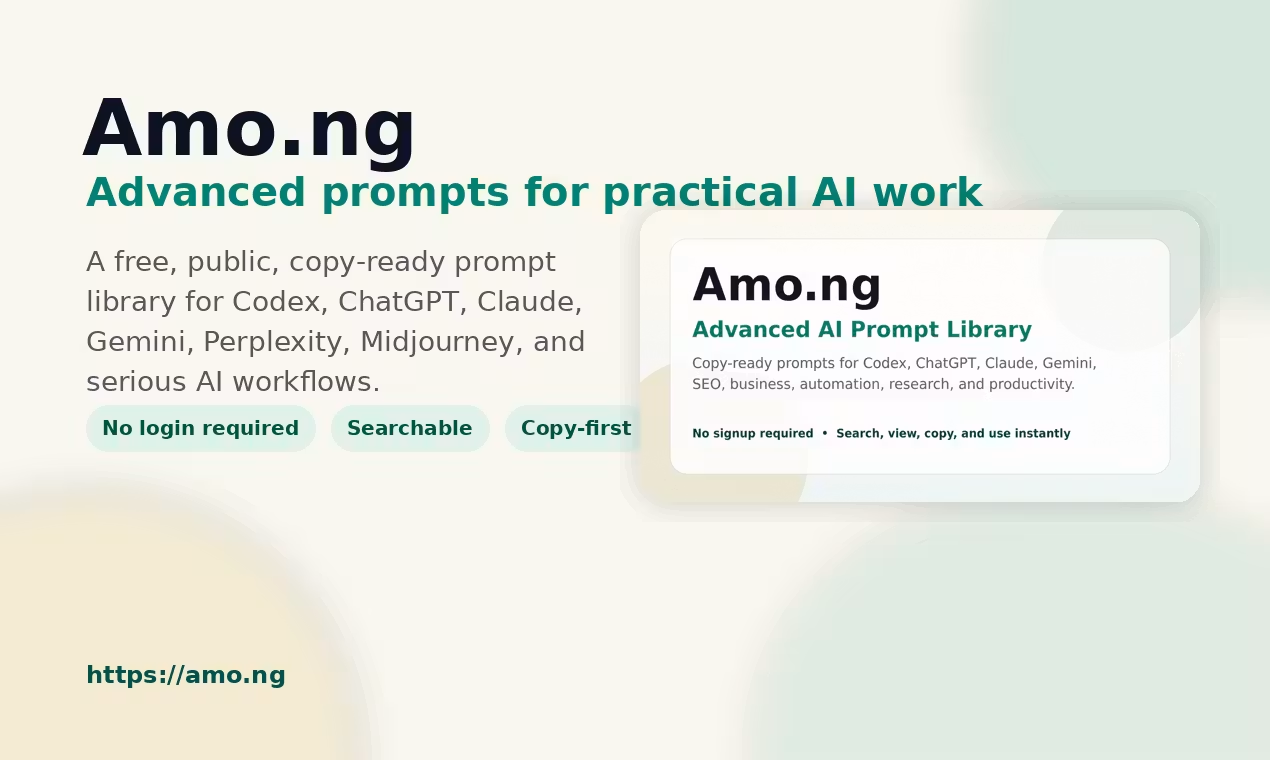
The library covers ChatGPT, Claude, Gemini, Codex, Perplexity, Midjourney, and general-purpose AI tools. What separates it from a random prompt list on Reddit is the editorial standard baked into every entry: context placeholders, constraints, output formats, verification steps, and next actions. These aren’t one-liners. They’re structured templates built for real workflows.
Key Features of Amo.ng
Here’s what the library actually offers, broken down by what makes it worth bookmarking.
Structured Prompts with Context and Constraints
Every prompt on Amo.ng goes beyond a simple instruction. Each one includes context placeholders you fill in, constraints that keep the AI on task, and output format guidance so you know what to expect. This design forces clarity before you even hit send. The result is far more consistent and usable output from whichever AI tool you’re running.
Browse by Tool, Category, and Difficulty
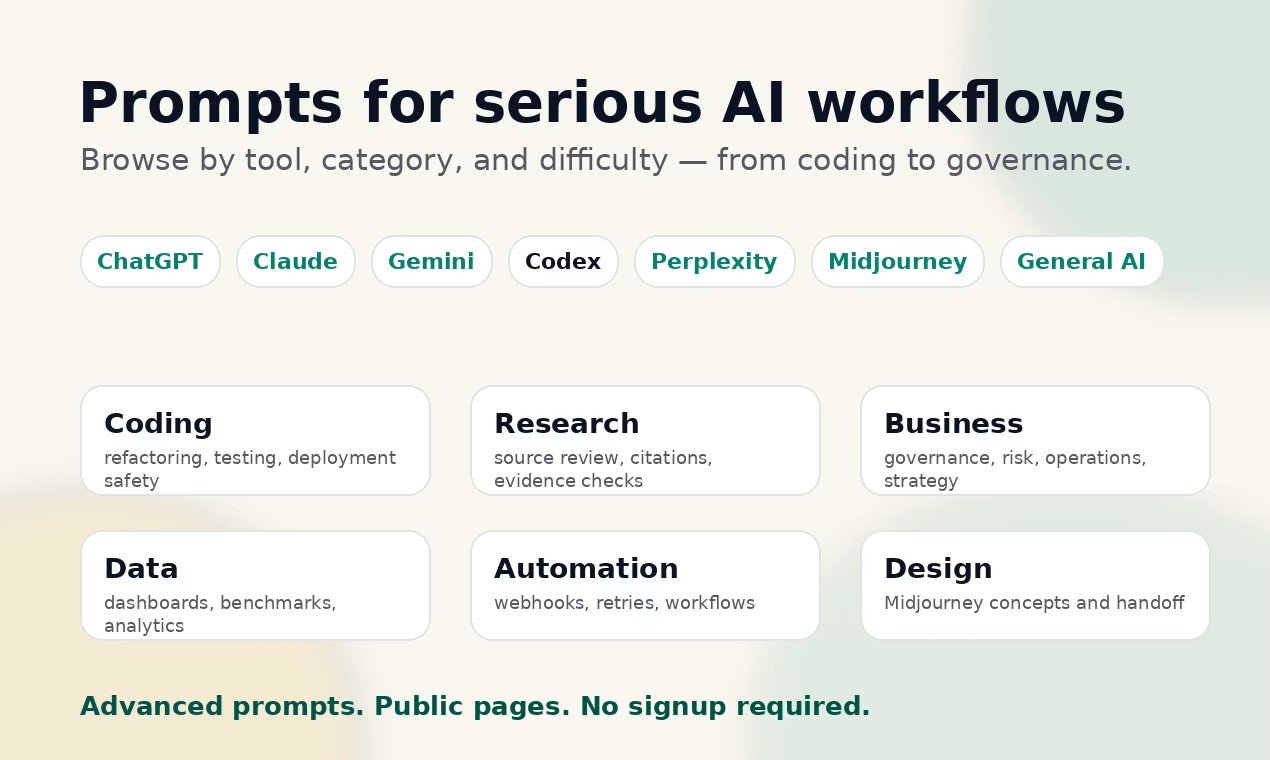
The library is organized so you can find what you need quickly. Filter by AI tool (Claude, ChatGPT, Codex, Gemini, and others), by category (coding, business, research, automation, and more), and by difficulty level (Advanced or Expert). Each category page shows view counts and copy counts, so you can see what’s actually getting used. The Codex and Coding category already includes dozens of prompts, with thousands of combined views across coding workflows.
No Login, No Account, No Friction
You land on the site, find the prompt you need, and copy it. That’s the whole flow. There’s no account creation, no email wall, no free trial gate. Amo.ng is intentionally public and copy-first. For anyone who has hit a signup wall on a tools site at 11pm while trying to finish a deliverable, this is a genuine relief.
Wide Category Coverage for Practical Work
The prompt library spans categories that reflect how professionals actually use AI today:
- Codex and Coding: debugging, refactoring, security review, production log triage
- Business: quarterly reviews, AI governance, operations planning
- Automation: webhook design, no-code workflows, human-in-the-loop systems
- Research: source validation, literature synthesis, conflicting expert memos
- Marketing, SEO, Education, Career, Data Analysis, and Prompt Engineering
Over 150 prompts are live across these categories, with new ones added regularly.
How Priya Used Amo.ng to Fix a Production Issue Faster
Priya is a mid-level backend engineer at a SaaS company. On a Tuesday morning at 9:15 AM, she got paged about a production error throwing intermittent 500s on an API endpoint. Her usual approach: open Claude, type something like “help me debug this error,” paste the log, and hope for a useful response. The results were always hit or miss.
This time she opened Amo.ng, went to the Codex and Coding category, and found the “Production Log Triage to Minimal Patch Plan” prompt. It was tagged Expert, built for Codex, and included structured placeholders for incident summary, error logs, affected routes, recent deployments, rollback requirements, and more.
She filled in the placeholders with her actual incident data, copied the full prompt into Codex, and ran it. Instead of a generic debugging suggestion, she got a structured triage: confirmed facts separated from hypotheses, a list of missing inputs flagged before the analysis continued, a minimal patch plan with rollback steps, and monitoring checks to verify the fix held.
By 10:40 AM, the patch was in staging. By noon it was deployed. She told her team lead the whole process felt more like working with a senior engineer than talking to a chatbot. That’s the difference a well-structured prompt makes.
How Searching and Copying a Prompt Actually Works
Step 1: Search or Browse
Go to Amo.ng and either use the search bar or click into a category. Categories are listed with prompt counts, total views, and total copies, so you get a quick sense of what’s popular before you dive in.
Step 2: Open a Prompt Page
Each prompt has its own page showing the full text, the intended AI tool, the difficulty level, what it’s best for, and when it was last updated. Prompts are updated regularly, which matters because AI tool behavior shifts over time.
Step 3: Copy and Use
Hit the copy button. Paste the prompt into your AI tool of choice. Fill in the context placeholders with your actual details. Run it. The structure does the heavy lifting from there.
There’s no account to manage, no saved history to worry about, and no subscription to maintain. You use it when you need it and move on.
Who Should Be Using This
If you work regularly with AI tools and you’re still writing prompts from scratch each time, Amo.ng is worth adding to your workflow. It’s particularly useful for developers working with Codex, operators building automation systems, marketers running content campaigns, and researchers who need source-verified outputs.
The library is free, public, and requires no signup. You can start browsing the free AI prompt library right now and find something useful in under two minutes. For a resource built around making AI more practical, it practices what it preaches.
Visit Amo.ng, search by tool or workflow, copy a prompt, fill in the placeholders, and run it in the AI tool you already use.