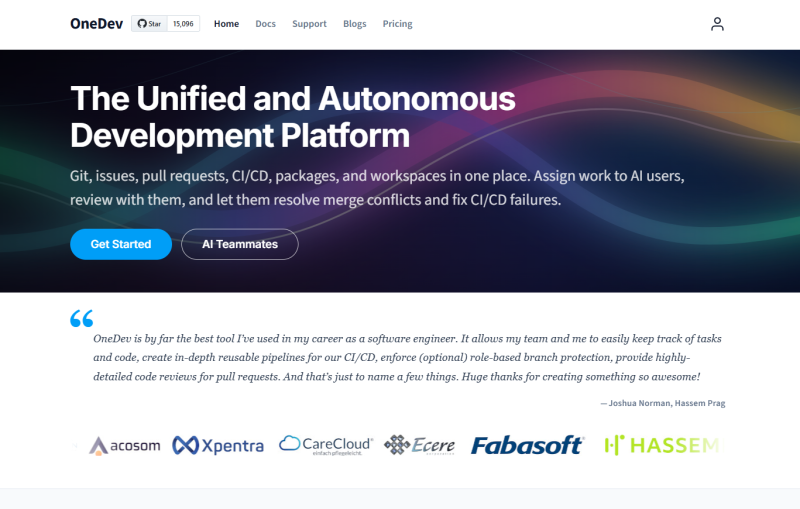
Most dev teams today juggle four or five tools just to ship a single feature. Git lives in one tab, CI/CD in another, issues somewhere else, and any AI coding help is bolted on as an afterthought. It works, but it’s messy. OneDev AI takes a different approach: it puts Git, issues, pull requests, CI/CD, packages, and workspaces into one platform, then adds AI users who participate in that workflow like any other team member.
The AI users in OneDev are not chatbots sitting in a sidebar. They get their own accounts, accept issue assignments, spin up isolated workspaces, write code, open pull requests, and respond to review comments. They can fix failed CI/CD builds and resolve merge conflicts without anyone nudging them. That is a genuinely different model from what most teams are used to.
OneDev has been around for a while as a self-hosted Git platform, and it already had a loyal following for its CI/CD and code review features. The AI teammate layer is the latest addition, and it is the most interesting one yet.
Key Features of OneDev AI
AI Users as Native Teammates
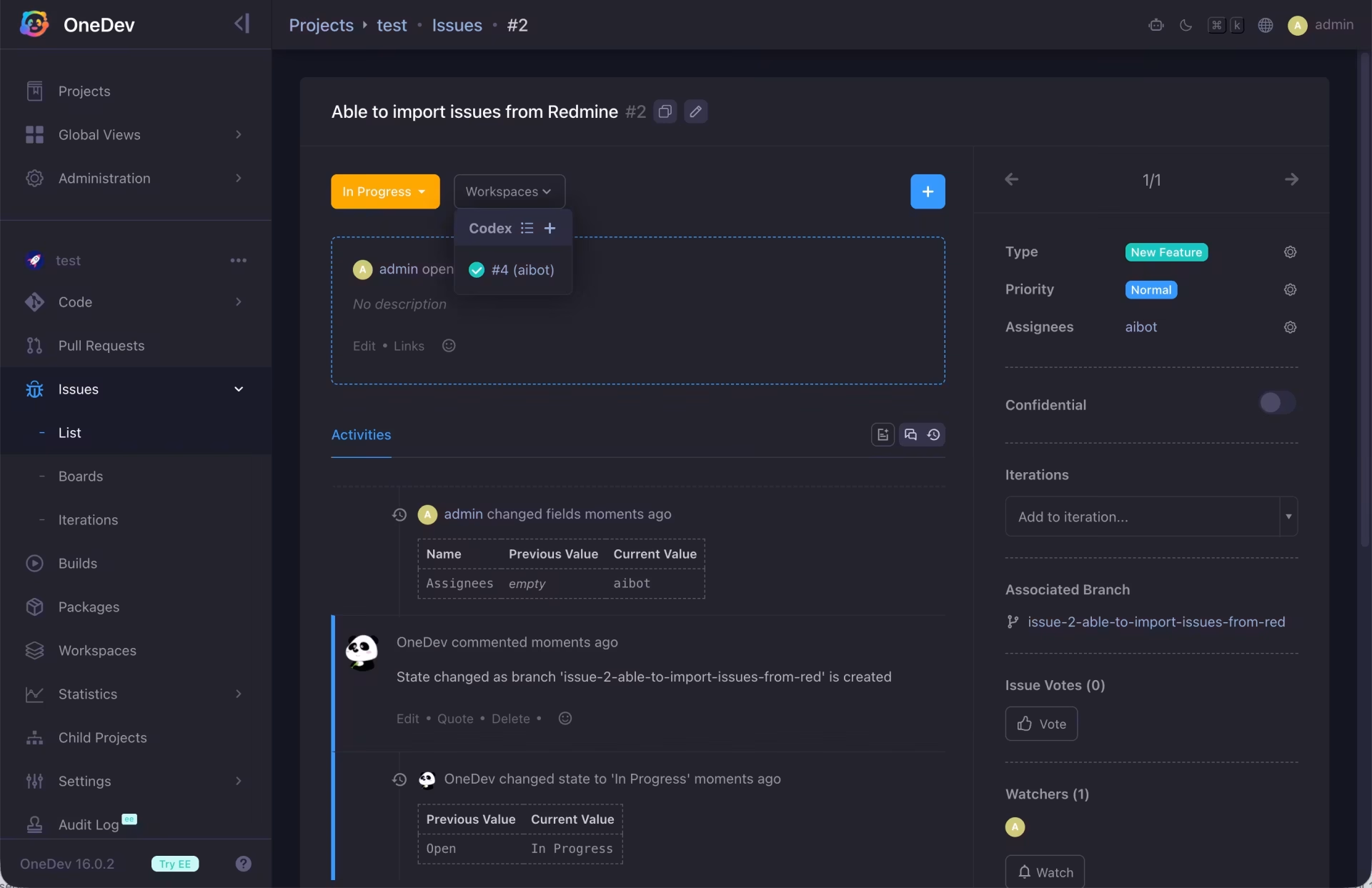
You can create an AI user account in OneDev and assign it issues exactly the way you would assign work to a junior developer. The AI user picks up the task, checks out the code in an isolated workspace, makes changes, and opens a pull request when done. It shows up in your issue history, your PR list, and your activity feed. Nothing special to configure per task.
Autonomous CI/CD Failure Fixing
When a build fails, the AI user can read the failure logs, identify the problem, and push a fix. It also handles merge conflicts without requiring a human to step in. This is useful for teams where CI failures tend to sit unaddressed for hours because no one wants to context-switch mid-task.
Code Review by AI and Humans Together
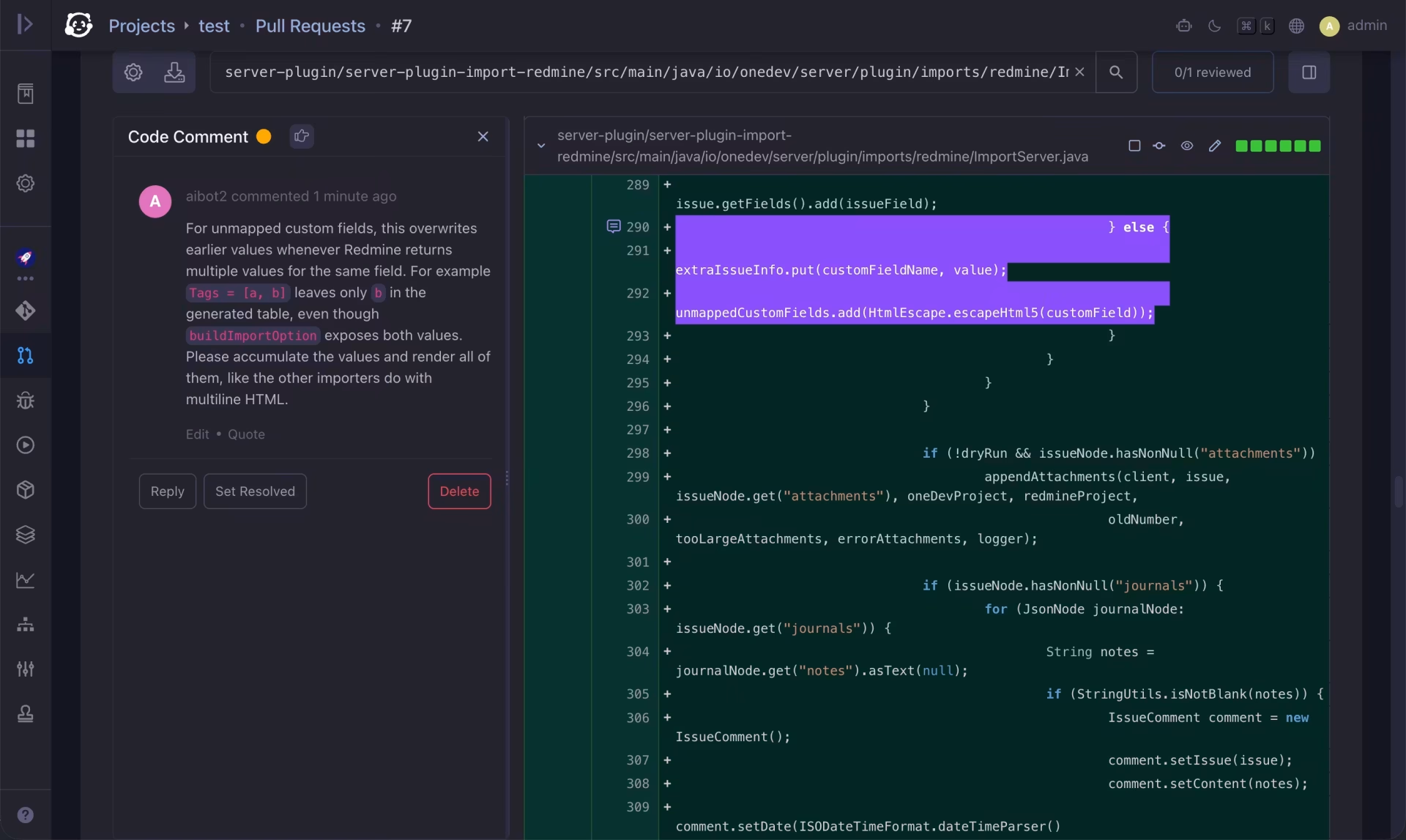
AI users can review pull requests as part of a defined review policy. They leave inline comments on diffs, flag issues, and respond when reviewers push back. Human reviewers work alongside them in the same interface. The full conversation, requirements, code changes, and review feedback all stay visible in one place.
Built-in CI/CD, Packages, and Workspaces
Beyond the AI layer, OneDev includes a complete CI/CD engine, a built-in package registry, code search with language-aware symbol navigation, automated Kanban, a service desk for email-based issue support, and flexible branch protection rules. There is no need to wire up separate services for most of these functions.
A Real Scenario: Marcus at 9 PM with a Failing Build
Marcus is a backend engineer on a four-person team. At 9 PM on a Thursday, he merges a dependency update PR and heads off to dinner. By 9:15 PM, the CI/CD pipeline has failed on three tests related to the import module he just touched. Normally, this would sit until the next morning, when Marcus or a colleague would carve out time to read the logs and push a patch.
Instead, with OneDev AI set up, the AI user assigned to the project picks up the failure automatically. By 9:40 PM, it has read the build logs, identified a mapping issue in the import function, pushed a fix to the branch, and left a comment on the PR explaining what it changed and why. Marcus checks his phone after dinner and sees a notification. The fix looks correct. He approves and merges before going to bed.
The entire fix, the code change, the explanation, and the review, is visible in the same PR thread where the original merge happened. Nothing lives in a separate chat window or external agent dashboard. That traceability is what makes the AI teammate model feel different from bolting a coding agent onto an existing workflow.
How OneDev Handles the Full Issue-to-PR Loop
Step 1: Assign the Issue
Create an issue in OneDev and set the assignee to an AI user account. The AI user sees the issue just like a human teammate would. It reads the requirements, then spins up an isolated workspace for the task.
Step 2: Code Changes in an Isolated Workspace
The AI user works inside a dedicated workspace, makes code changes, and commits them to a new branch linked to the issue. The issue state updates automatically as work progresses.
Step 3: Pull Request and Review
Once the work is done, the AI user opens a pull request. Human reviewers can comment on specific lines of the diff. The AI user responds to feedback and pushes updates. If CI fails at any point, the AI user can attempt to fix the failing build directly.
Step 4: Merge and Close
When required reviewers approve and tests pass, the PR merges. The issue closes automatically based on the workflow rules you have configured. The full audit trail, from issue creation to merged code, stays in one place.
OneDev Pricing
OneDev offers a free Community Edition with no user limits. It includes CI/CD, the package registry, code search, AI users as autonomous teammates, and most core features. The Enterprise Edition costs $6 per user per month and adds high availability, cross-project code search, security and compliance scanning, Renovate integration for dependency updates, audit logs, time tracking, and priority email support. There is a 12 user-month minimum for each Enterprise order.
Who Should Take a Closer Look
OneDev AI is worth trying if your team is tired of stitching together separate tools for Git, CI/CD, and issue tracking, and especially if you want AI assistance that fits into your normal review process rather than existing as a separate tool to manage. Small to mid-sized teams doing self-hosted development will get the most out of it. Start with the free Community Edition at onedev.io and see how the AI teammate model fits your workflow.